

Key Takeaways
Summary
18 items · 20–45 minutes
Why Subscription Creep Is So Easy to Miss
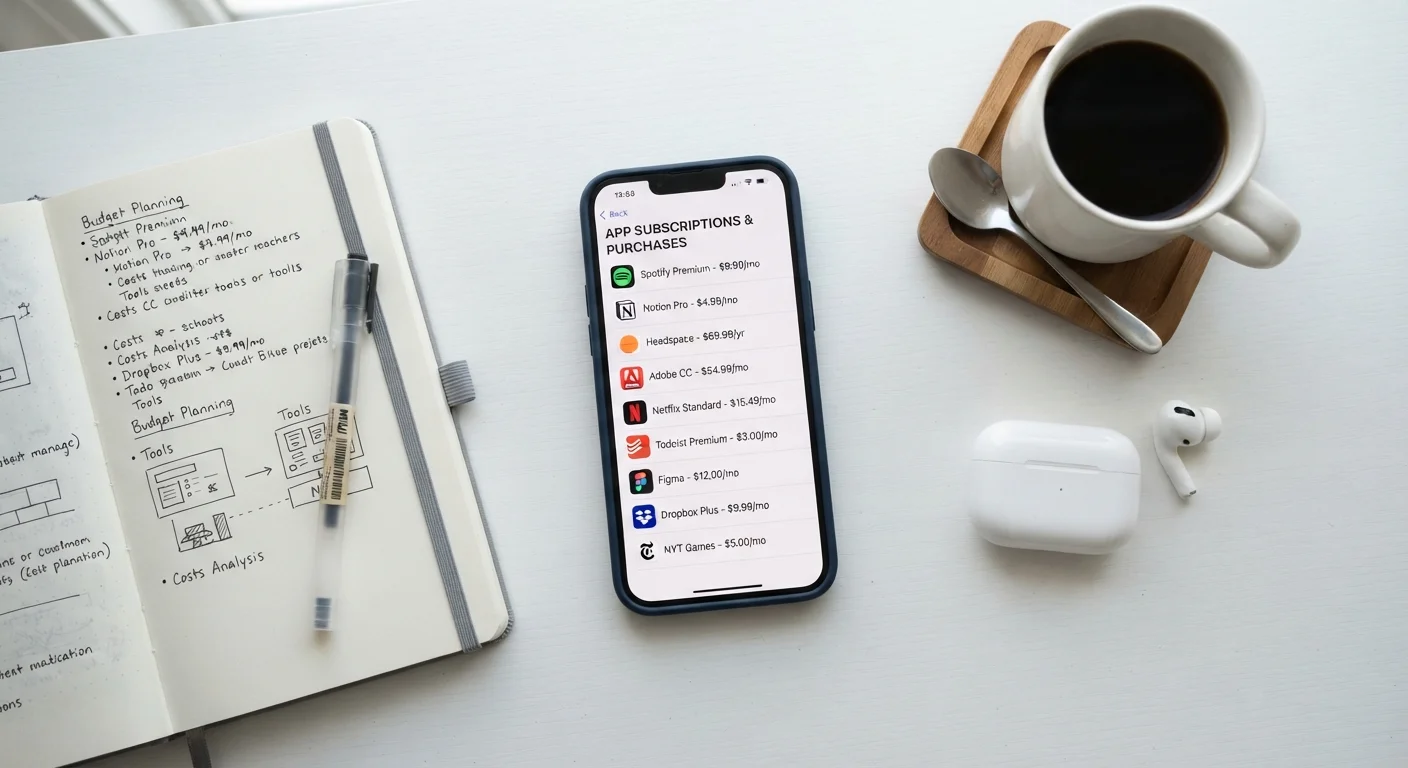
App subscriptions are designed to be frictionless to start and easy to forget. A free trial converts to a paid plan, a one-time promo renews at full price, a family member's app sits unused on your account — and before long you're paying for a dozen services you barely open. Unlike a single large purchase, the damage is diffuse: five or six small charges spread across a month rarely trigger alarm until you add them up.
This checklist gives you a structured way to take stock of everything you're actually paying for, evaluate whether each service is genuinely useful to you, and make deliberate decisions rather than passive ones. Think of it as a financial and digital hygiene task — similar in spirit to the kind of honest evaluation described in a self-care audit, but applied to your app stack.
Before you start, set aside a quiet 20–45 minutes and gather your bank or credit card statements from the past two months. That's your ground truth.
Bank or credit card statements (2 months)
The primary source for identifying every recurring charge — your statements catch charges that don't appear in app store subscription lists.
Email search (keyword: "subscription" or "renewal")
Surfaces subscriptions billed directly by providers that bypass your device's built-in subscription manager.
iOS Subscriptions manager (Settings > Apple ID > Subscriptions)
Lists all active in-app subscriptions billed through Apple, including renewal dates and costs.
Google Play Subscriptions manager
Lists all active subscriptions billed through Google Play, with options to pause or cancel.
Spreadsheet or notes app
A single place to consolidate your full subscription list so you can compare, categorise, and track decisions.
Device screen time or digital wellbeing settings
Shows how frequently you actually open each app, providing usage data to back up your keep-or-cancel decisions.
The Subscription Audit Checklist
Work through these groups in order. The first two groups are about gathering facts — resist the urge to make decisions until you have the full picture. The later groups are where you evaluate and act.
Gather Your Full Subscription List
Check Actual Usage
Spot Overlap and Redundancy
Evaluate Value and Decide
Secure and Tidy Up
Cancellation Is Rarely Automatic
Deleting an app from your phone does not cancel its subscription. Charges will continue until you cancel through the platform that billed you — the App Store, Google Play, or the service's own website. Always confirm cancellation in writing or via an on-screen confirmation before assuming it's done.
Once you've completed the audit, note the total monthly cost of everything you're keeping. If you want to understand which of those paid tiers are truly worth the upgrade, free vs. paid app tiers explained walks through what premium plans typically add — and when the free version is genuinely sufficient.
Subscription costs are also a recognized contributor to broader savings erosion. Hidden costs that undermine a savings plan covers how charges like these compound alongside other overlooked drains.
After the Audit: Keeping Your Stack Lean
An audit is only useful if it leads to action. Once you've worked through the checklist, cancel or pause anything that didn't pass your usage and value tests — don't defer it. Most platforms require you to cancel manually, and many do not issue refunds for a billing period already charged, so acting promptly after a renewal date saves money.
Schedule your next review. A quarterly check-in of about 15 minutes is enough to catch new subscriptions before they become habits. If app overload is a broader issue for you — too many tools, too many notifications, not enough clarity — organising your digital life offers a calm, structured starting point.
Finally, before you add any new subscription, apply the same questions from this checklist prospectively: How often will I realistically use this? Does anything I already pay for do the same thing? What does cancellation involve? Those three questions alone prevent most subscription regret.
Watch Out for Annual Renewal Timing
Annual subscriptions can catch you off guard if you set them up during a busy period and forget about them. When you complete your audit, note the renewal date for any annual plans you're keeping and set a calendar reminder two weeks before that date — that gives you time to reassess before you're charged for another year.