

Key Takeaways
Router Performance Degradation
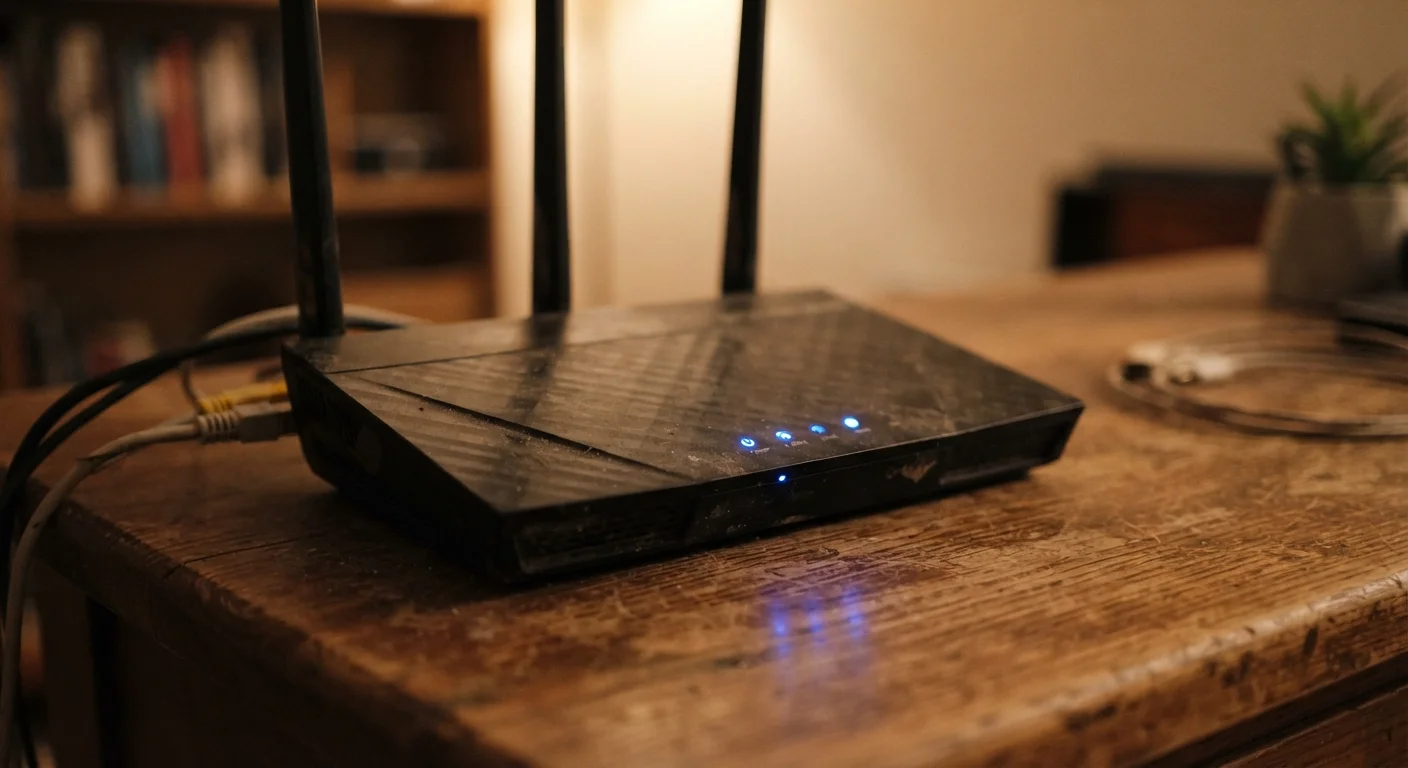
Router performance degradation refers to the gradual decline in a router's ability to deliver fast, stable wireless internet over time. It happens due to a combination of hardware wear, software buildup, network congestion, and environmental factors. Unlike a sudden failure, degradation is subtle — speeds slip slowly, and many households don't notice until the slowdown becomes frustrating.
Routers run a lightweight embedded operating system and maintain active memory state tables for every connected device. These processes accumulate overhead without automatic cleanup, which is one reason periodic restarts meaningfully restore performance.
Memory Buildup and the Case for Rebooting
Your router is essentially a small, always-on computer. It maintains a connection state table — a running log of every device session, data packet, and network request passing through it. Over days and weeks of continuous operation, this table fills up. The router's limited memory (RAM) gets crowded with stale entries it never had a chance to flush.
The result: the router works harder to process the same traffic, response times creep up, and speeds drop. A simple reboot clears this memory entirely, which is why a freshly restarted router often feels noticeably faster. Setting a regular restart schedule — even once a month — is one of the simplest and most effective maintenance habits you can build.
Schedule a Monthly Router Restart
You don't need to wait until speeds drop to reboot your router. Setting a recurring monthly reminder takes seconds, and many modern routers include a scheduled restart feature in their admin settings. This one habit alone can prevent a significant portion of gradual slowdowns before you notice them.
Heat Accumulation and Hardware Wear
Routers run continuously, and continuous operation generates heat. Most are passively cooled — meaning there's no fan, just vents and airflow. When a router is tucked inside a cabinet, stacked under other electronics, or sitting on carpet that blocks its bottom vents, internal temperatures rise well beyond the designed operating range.
Sustained heat degrades capacitors and chips faster than normal use alone would. Over months and years, this translates to unstable signal output, dropped connections, and reduced throughput. It also shortens the router's total lifespan. Giving your router open space and keeping it off the floor costs nothing and makes a measurable difference. See our guide to making everyday devices last longer for broader habits that apply here too.
~25
Average connected devices per US household
According to Deloitte's Digital Media Trends research, the average US household connects approximately 25 devices to home networks — a figure that has roughly doubled over the past decade.
4–6 years
Typical consumer router lifespan
Networking hardware manufacturers and technology publications generally cite four to six years as the practical performance lifespan for consumer-grade routers under normal use conditions.
Outdated Firmware and Software Overhead
Router manufacturers release firmware updates — software patches that fix bugs, patch security vulnerabilities, and often improve how efficiently the router manages traffic. Many households never install these updates, leaving the router running on years-old software that can't handle newer networking protocols or manage device load as efficiently as current versions can.
Outdated firmware is also a security concern. An unpatched router is more vulnerable to exploitation by outside actors — something worth understanding in context of how exposed your home Wi-Fi network can be. Checking for firmware updates every few months is a low-effort step with meaningful payoff.
Device Proliferation and Network Congestion
The average US household now connects far more devices to Wi-Fi than routers manufactured even five years ago were designed to handle simultaneously. Smart speakers, streaming sticks, security cameras, laptops, phones, and game consoles all compete for the same bandwidth and router processing resources — even when they appear idle.
Older routers use a single-band 2.4 GHz frequency that gets particularly congested in apartment buildings and dense neighborhoods, where dozens of nearby networks are broadcasting on the same limited channels. Dual-band and tri-band routers distribute this load more effectively, but any router will struggle when the number of active devices exceeds what its hardware was built to manage. If your current router pre-dates widespread smart-home adoption, its specs may simply be mismatched with today's demands. You can often spot the early signs of this mismatch by watching for signals that a device is struggling before it actually fails.
When Maintenance Isn't Enough
Rebooting, updating firmware, and improving ventilation will extend a router's useful life — but hardware has a ceiling. Consumer routers are typically designed for a practical lifespan of four to six years. Beyond that window, the underlying chips and memory architecture may simply lack the capacity to process the speeds your internet plan delivers or handle the number of devices your household relies on.
If you've addressed the maintenance basics and speeds remain consistently poor, the router itself may be the limiting factor rather than your internet service provider. Understanding the difference between an ISP problem and a router problem can save you hours of troubleshooting in the wrong direction. A router that's consistently warm to the touch, drops connections daily, or can't maintain stable signal across normal household distances is telling you something worth listening to.
ISP vs. Router: How to Tell the Difference
To determine whether slow speeds are coming from your router or your internet provider, connect a device directly to your modem using an ethernet cable and run a speed test. If speeds match what your plan promises, the router is likely the bottleneck. If speeds are still low over a wired connection, contact your ISP. This simple test can save significant troubleshooting time.