

Key Takeaways
Summary
22 items · 30–60 minutes
Why Your Settings Probably Aren't What You Think
Social media platforms update their apps frequently — and those updates regularly introduce new features that default to maximum visibility. If you set your account to private six months ago and haven't checked since, there's a real chance some of those preferences have quietly shifted. This isn't speculation; it's a documented pattern across major platforms.
Most people assume their settings are fine because they remember adjusting them once. But privacy settings aren't a one-time task — they're an ongoing habit. This guide treats them exactly that way. For a broader foundation on staying safer online, see our plain-language introduction to digital safety.
Before you open any app, gather the tools you'll need and set aside focused time. Trying to rush through this on your phone while doing something else leads to missed settings.
Each platform's Settings & Privacy menu
The primary place to find and change all privacy and audience controls on any social media account.
Platform Help Center
Use the official support documentation for any platform to locate settings that move between app updates.
Password manager
Helps you verify you have a strong, unique password on each account before you begin the audit.
Notepad or notes app
Record any settings you can't change immediately so you can return to them without losing track.
How to Work Through the Checklist
This audit is organized into logical groups: who sees your content, what your profile reveals, how your data is used, and what outside apps can access. Work through each group in one sitting if possible — stopping partway through can leave gaps.
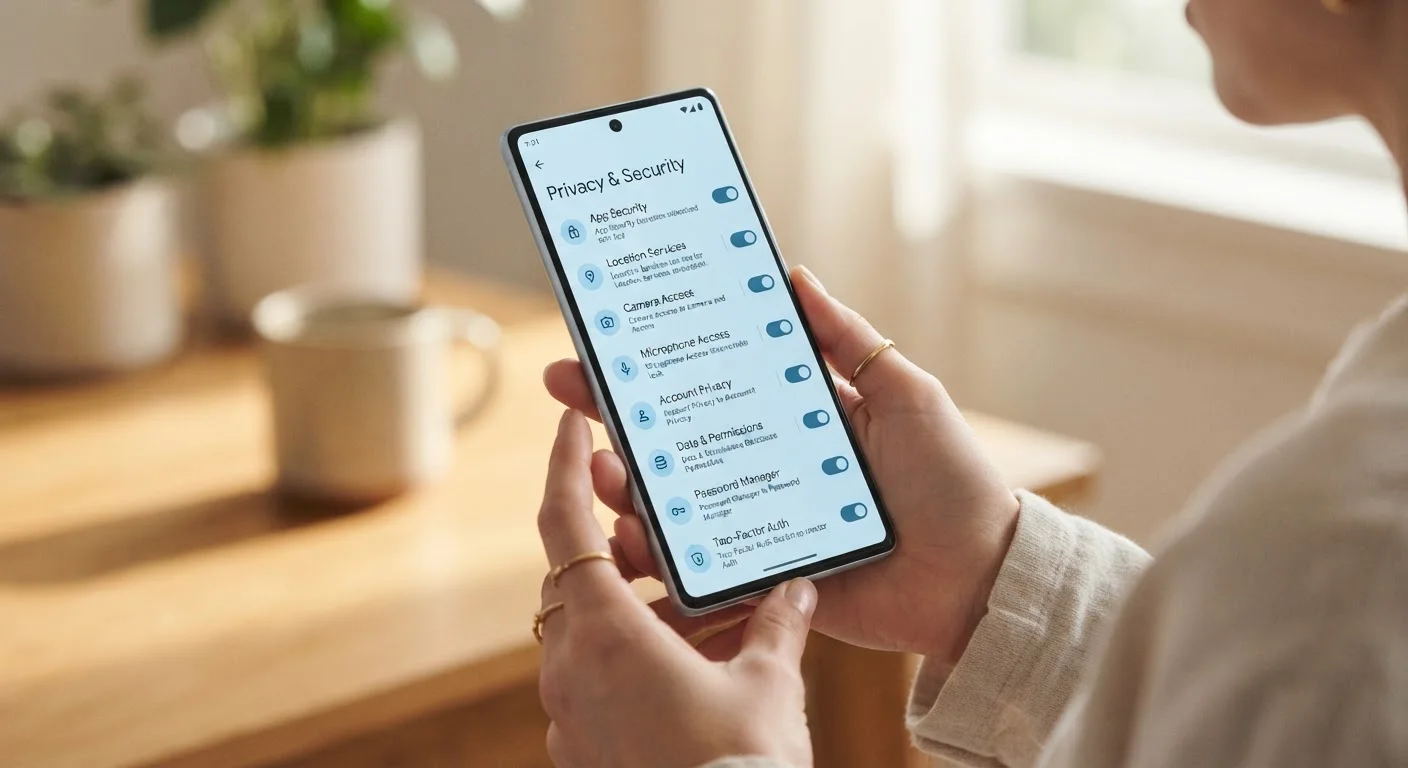
On each platform, privacy settings are typically found under a menu labeled Settings & Privacy, Account, or a shield or padlock icon. The exact location varies by platform and app version, so use the platform's own help center if you can't locate a specific option.
Audience & Visibility Controls
Profile Information
Third-Party App Access
Data & Ad Preferences
Account Security (Privacy-Adjacent)
One area that surprises most people: third-party apps. Every time you used a social login ("Sign in with Facebook," for example) or connected a quiz or game, that app gained access to your account data. Those permissions often persist long after you've forgotten the app exists. Revoking access from apps you no longer use is one of the highest-impact steps in this entire audit.
For a deeper look at common misconceptions that may be giving you false confidence, our article on online privacy myths is worth reading alongside this checklist.
Platform Updates Can Reset Your Settings
After a major platform update or policy change, some privacy settings may revert to their defaults — which are typically the most permissive options. This is not a one-time risk. Make it a habit to re-check your key settings after any app update that includes a prompt about new features or updated terms. If you accepted new terms without reviewing them, open your settings immediately afterward.
After the Audit: Staying Current
A one-time audit is valuable, but privacy settings drift over time. Schedule a brief review — even just 15 minutes — every three months, or immediately after any major platform update. Many people find it helpful to tie this habit to another recurring task, like a seasonal digital cleanup.
If you share devices or accounts with family members, consider reviewing settings together. Children's accounts in particular warrant careful attention. Our guide on what parents and carers actually control online covers the specific options available for younger users.
Finally, remember that privacy settings control visibility within a platform — they don't protect the data those platforms have already collected. For a complete picture of your digital exposure, including your home network and browsing habits, see our comprehensive resource: Online Safety From Every Angle.
"Private" Accounts Still Share Data With the Platform
Setting your profile to private controls who sees your posts — it does not limit what data the platform itself collects and uses internally. Location data, browsing behavior within the app, and interaction patterns may still be recorded regardless of your visibility settings. Understanding this distinction helps set realistic expectations about what a privacy audit actually accomplishes.