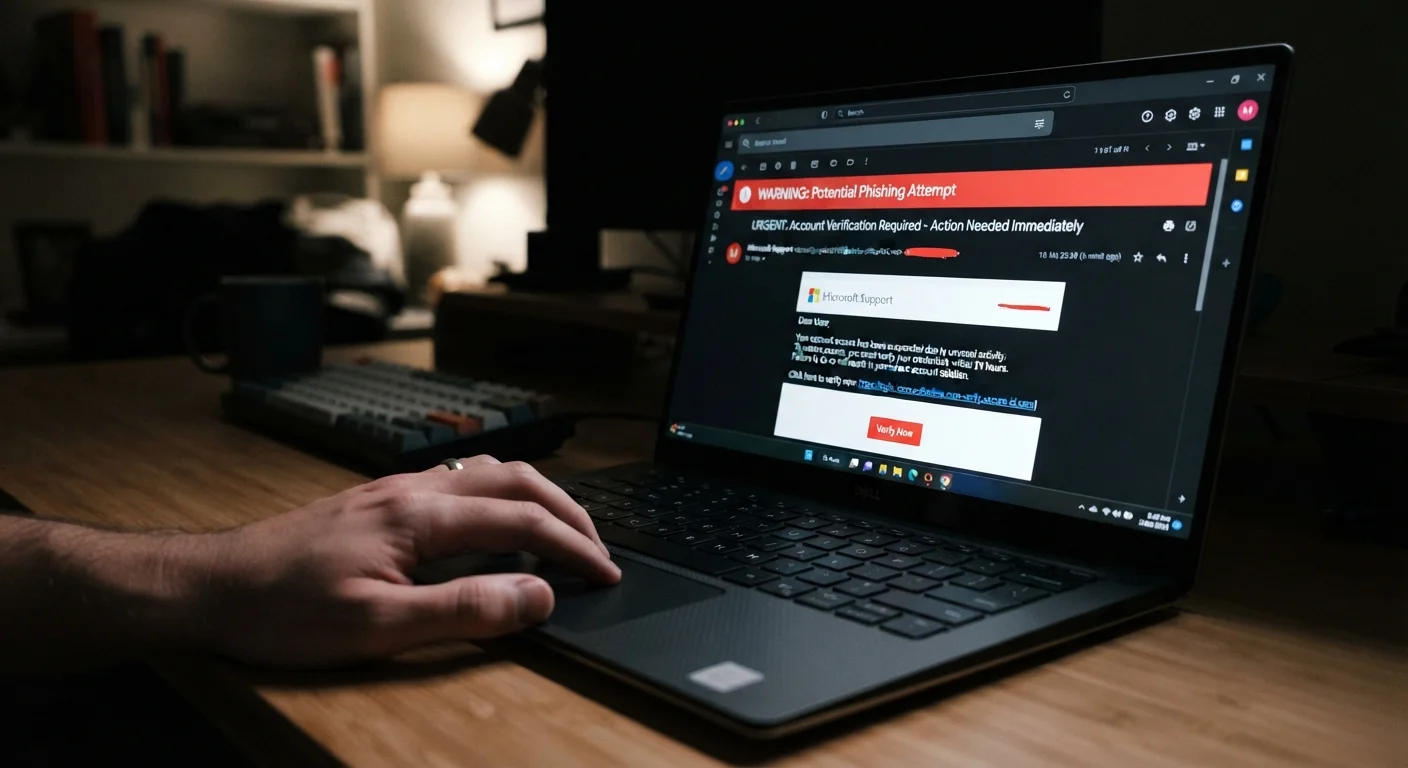
Scam emails often disguise themselves with sender addresses that look almost — but not exactly — right.
Urgent or threatening language is a classic manipulation tactic used to rush you into clicking.
Legitimate organizations rarely ask for passwords, payment details, or personal data via email.
Hovering over links before clicking reveals the real destination URL.
Even well-crafted phishing emails can contain subtle grammar errors or mismatched branding.
10–20 min
Summary
18 items · 10–20 minutes
Why Spotting a Scam Email Still Matters
Phishing emails — messages designed to steal your login credentials, financial data, or personal information — remain one of the most common ways people get compromised online. Scammers have become skilled at mimicking banks, delivery services, government agencies, and even coworkers. The good news is that nearly every fraudulent email leaves at least one telltale sign if you know where to look.
This checklist walks you through the specific signals that should make you pause before clicking, replying, or downloading anything. It's part of a broader set of habits covered in our complete guide to online safety for non-technical users.
Check the Sender
Examine the full sender email address — not just the display name — for misspellings, extra characters, or domains that don't match the real organization (e.g., support@paypa1.com instead of @paypal.com).Must
Look up the legitimate domain of the organization and compare it carefully; scammers often use lookalike domains such as replacing an 'l' with a '1' or adding a hyphen.Must
Be suspicious of emails that arrive from free webmail services (like Gmail or Yahoo) but claim to represent a company or government agency.Should
Evaluate the Content
Flag any email that uses urgent, threatening, or alarming language — phrases like 'Act now or your account will be closed' or 'Suspicious activity detected' are common manipulation tactics.Must
Read carefully for awkward phrasing, unusual grammar, or mismatched capitalization, which can signal that the message was auto-generated or translated.Should
Check whether the email addresses you by name; generic greetings like 'Dear Customer' or 'Dear User' are common in mass phishing campaigns.Should
Notice whether the email requests sensitive information — passwords, Social Security numbers, credit card details — since legitimate organizations almost never ask for these via email.Must
Inspect Links and Attachments
Hover your mouse cursor over any link (without clicking) to preview the actual destination URL in your browser's status bar; if it doesn't match the sender's stated organization, don't click.Must
Be cautious of shortened URLs (e.g., bit.ly links) that obscure the true destination — use a URL expander tool to preview them safely.Should
Avoid opening unexpected attachments, especially files with extensions like .exe, .zip, or .docm, even if the sender appears familiar.Must
Look for mismatches between the link text shown in the email and the URL it points to.Must
Assess the Branding and Format
Compare any logos, colors, or formatting with the organization's actual website; poor image quality, stretched logos, or mismatched fonts are warning signs.Should
Check whether the email's footer contains a valid physical address and unsubscribe option — legitimate marketing emails are typically required to include these.Nice to have
Look for inconsistencies like a professional header paired with a sloppy body, or a mismatched email signature.Should
Verify and Report
If an email claims to be from a service you use, log in to that account directly through your browser — not through any link in the email — to check for real notifications.Must
Forward suspected phishing emails to your email provider's abuse address or report them using the built-in 'Report phishing' button in most email clients.Should
Report phishing attempts impersonating US organizations to the Anti-Phishing Working Group at reportphishing@apwg.org or to the FTC at ReportFraud.ftc.gov.Nice to have
What to Do If Something Feels Off
Your instincts matter. If an email creates even a flicker of doubt, treat that as data. The cost of pausing to verify is almost always lower than the cost of acting on a scam.
Never Enter Credentials Through an Email Link
One of the most effective phishing techniques is sending a convincing login page that captures whatever you type. Even if an email looks completely legitimate, avoid clicking through to enter a password. Always navigate to the website independently and log in from there.
When in doubt, go directly to the source. Instead of clicking a link in a suspicious email claiming to be from your bank, open a new browser tab and type the bank's address yourself. Call the company using a phone number from their official website — not one listed in the email.
If you've already clicked a link or entered information and now suspect something went wrong, don't wait. See what to do when you think you've been hacked for a step-by-step response plan. Scammers also operate through text messages and phone calls, so it's worth understanding how those attacks differ — phishing, smishing, and vishing explained covers all three formats in plain language.
Scam Emails Can Also Target You While Travelling
Public Wi-Fi networks in hotels, airports, and cafés can make it easier for attackers to intercept your activity, including emails you open or forms you submit. If you're handling sensitive accounts on the road, extra caution is warranted. See tips for staying financially safe while travelling abroad for related guidance.
Tech & Gadgets Editorial Team is the collective byline for our editorial team and contributor network. Articles published under this byline or an editorial pen name are researched, written, and reviewed according to our editorial standards for clarity, consistency, and independence before publication.
Disclaimer: The content on this site is for informational purposes only and is not a substitute for professional advice. Always consult a qualified professional for guidance specific to your situation.