

| Primary delivery channel | Email (phishing), SMS (smishing), phone call (vishing) |
| Most impersonated entities | Banks, delivery services, government agencies, tech support (FTC Consumer Sentinel data) |
| Most common goal | Steal login credentials, financial data, or one-time passcodes |
| US reporting number for spam texts | 7726 (SPAM) (CTIA – The Wireless Association) |
| Key defense habit | Verify through an official channel before responding |
Three Channels, One Goal: Stealing Your Information
Scammers no longer rely on a single trick. Today they use three overlapping attack methods — phishing (fraudulent emails), smishing (text message scams), and vishing (voice call fraud) — to steal login credentials, financial data, or personal details. Understanding how each one works is the first step to recognizing them before any damage is done.
Phishing
A fraudulent email designed to impersonate a trusted organization and trick the recipient into clicking a malicious link or handing over sensitive information.
Smishing
SMS-based phishing — scam text messages that typically contain suspicious links or instructions to call a fraudulent number.
Vishing
Voice phishing conducted over a phone call, often using spoofed caller IDs and social engineering to pressure victims into disclosing personal or financial data.
Social Engineering
The use of psychological manipulation — such as creating urgency, fear, or false trust — to persuade people to take actions they otherwise wouldn't.
One-Time Passcode (OTP)
A temporary numeric code sent to your phone or email to verify your identity during a login or transaction. Scammers frequently try to intercept or talk victims into reading these aloud.
Spoofing
The practice of disguising a communication's origin — making a scam call or email appear to come from a legitimate or known number or address.
All three methods share the same core mechanic: impersonation. The fraudster pretends to be a trusted institution — a bank, a delivery carrier, a government agency, or even a colleague — and creates a sense of urgency designed to make you act without thinking. That urgency is the tell.
Phishing: The Email That Looks Real
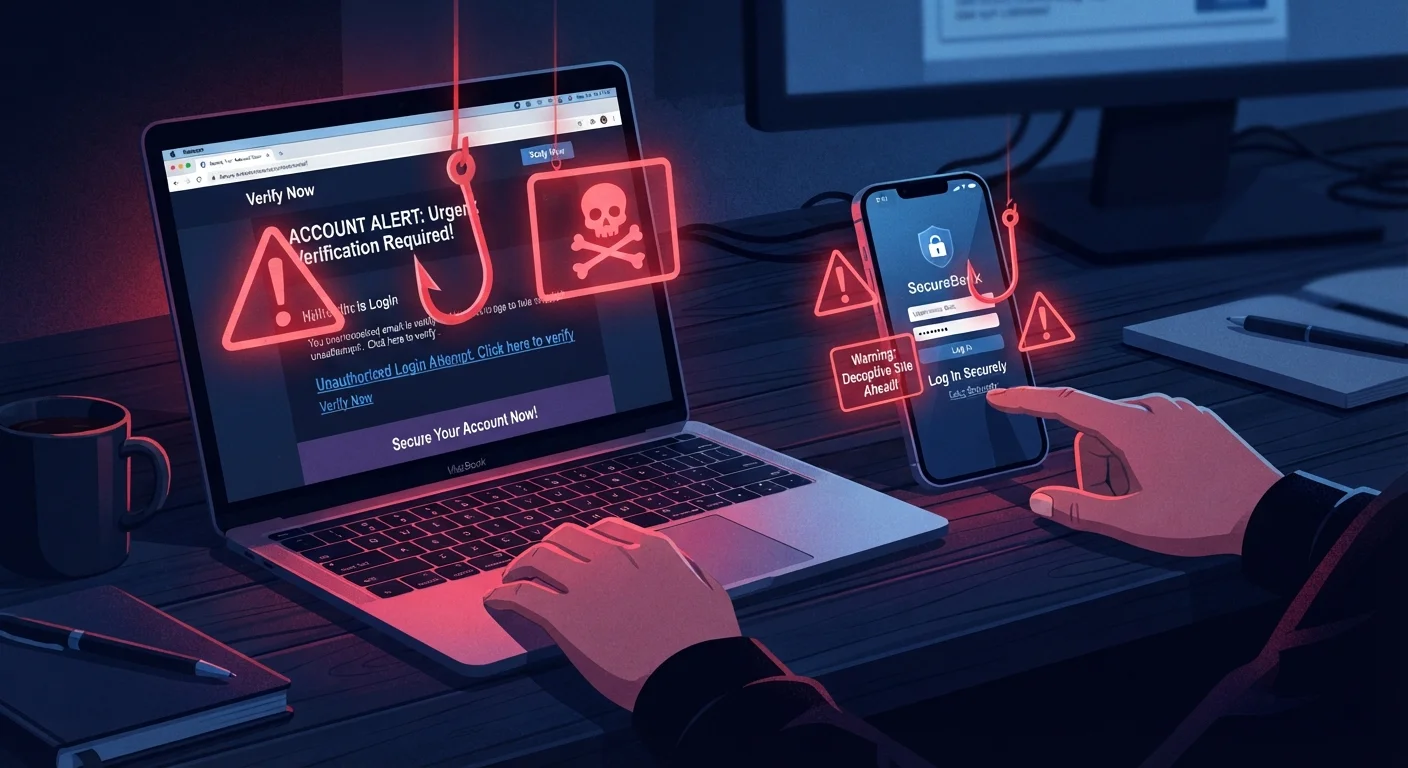
Phishing emails are crafted to look like legitimate messages from organizations you trust. A common example mimics a bank alert warning that your account has been locked, with a link directing you to a convincing but fake login page that captures whatever you type.
| Primary delivery channel | Email (phishing), SMS (smishing), phone call (vishing) |
| Most impersonated entities | Banks, delivery services, government agencies, tech support (FTC Consumer Sentinel data) |
| Most common goal | Steal login credentials, financial data, or one-time passcodes |
| US reporting number for spam texts | 7726 (SPAM) (CTIA – The Wireless Association) |
| Key defense habit | Verify through an official channel before responding |
Modern phishing attempts often pass basic spam filters because they use real company logos, mimic genuine sender names, and avoid obvious spelling errors. Key red flags include:
- A sender address that looks slightly off (e.g.,
support@paypa1.cominstead ofpaypal.com) - A link URL that doesn't match the organization's actual domain
- Urgent language demanding you act within hours or face account closure
- Requests for passwords, Social Security numbers, or payment details
For a detailed breakdown of what to look for, see signs an email is trying to trick you.
Smishing and Vishing: When Scams Go Mobile
Smishing works the same way as phishing but arrives as a text message (SMS). Because people tend to open texts quickly and trust them more than email, smishing can be especially effective. Common scenarios include fake package delivery notifications, bank fraud alerts, and prize announcements — each containing a link or a number to call.
Vishing goes a step further: a real or automated voice calls you directly. Callers may claim to be from the IRS, your bank's fraud department, or tech support. They often already know partial information about you — your name, a recent transaction — which makes the call feel credible. The goal is to pressure you into revealing account numbers, PINs, or one-time passcodes while you're still on the line.
Legitimate Organizations Won't Rush You
A core rule of thumb: real banks, government agencies, and tech companies do not demand that you hand over sensitive information immediately during an unsolicited contact. If any caller or message insists you must act right now or face serious consequences, treat that urgency as a warning sign, not a reason to comply. Hang up, delete the message, and verify independently.
If you're traveling and encounter suspicious financial contact, the same verification habits apply. Staying safe with your money while travelling covers how to handle financial risks away from home.
Simple Habits That Shut Scams Down
You don't need technical expertise to defend yourself. A handful of consistent habits close most of the doors scammers rely on:
- Pause before you click or call back. Urgency is manufactured. Take thirty seconds to verify through an official channel — type the institution's website address directly into your browser, or call the number on the back of your card.
- Never give a one-time passcode over the phone. No legitimate bank or government agency will ask for an OTP (one-time passcode) they just sent you while they're on a call with you.
- Check links before tapping. On a phone, press and hold a link to preview the URL before opening it. If the domain looks unfamiliar, don't proceed.
- Use two-factor authentication (2FA). Even if a scammer gets your password, 2FA on your accounts adds a second barrier. Keeping your apps and accounts secure explains how to set this up practically.
- Report and delete. Forward suspicious texts to 7726 (SPAM) in the US, and report phishing emails to the organization being impersonated and to the FTC at reportfraud.ftc.gov.
$10B+
Reported losses to fraud in the US
According to the FTC's Consumer Sentinel Network Data Book for 2023, Americans reported losing more than $10 billion to fraud that year — a record high.
#1
Most common fraud contact method
The FTC reports that phone calls and text messages consistently rank as the top contact methods used by fraudsters targeting US consumers.
If you suspect you've already been caught out, don't delay. What to do when you think you've been hacked walks through the immediate steps to limit the damage. For a broader view of staying safe online, our complete online safety guide for non-technical users covers everything from passwords to safe browsing.