

Key Takeaways
Why Everyday Habits Matter More Than High-Tech Solutions
Most account compromises don't happen because a hacker cracked some sophisticated system. They happen because a password was reused, an update was skipped, or a suspicious email looked convincing enough to click. The good news: the practices that prevent the vast majority of incidents are straightforward — they just need to become routine.
This guide focuses on habits that hold up in real use, not ones that require a security background or significant effort to maintain. For a broader foundation, see our plain-language introduction to digital safety.
Use a unique, strong password for every account you hold.
Password reuse is one of the most common reasons accounts get compromised. When one service is breached, attackers run those credentials against dozens of other sites automatically — a technique called credential stuffing. Unique passwords mean a breach at one site stays contained.
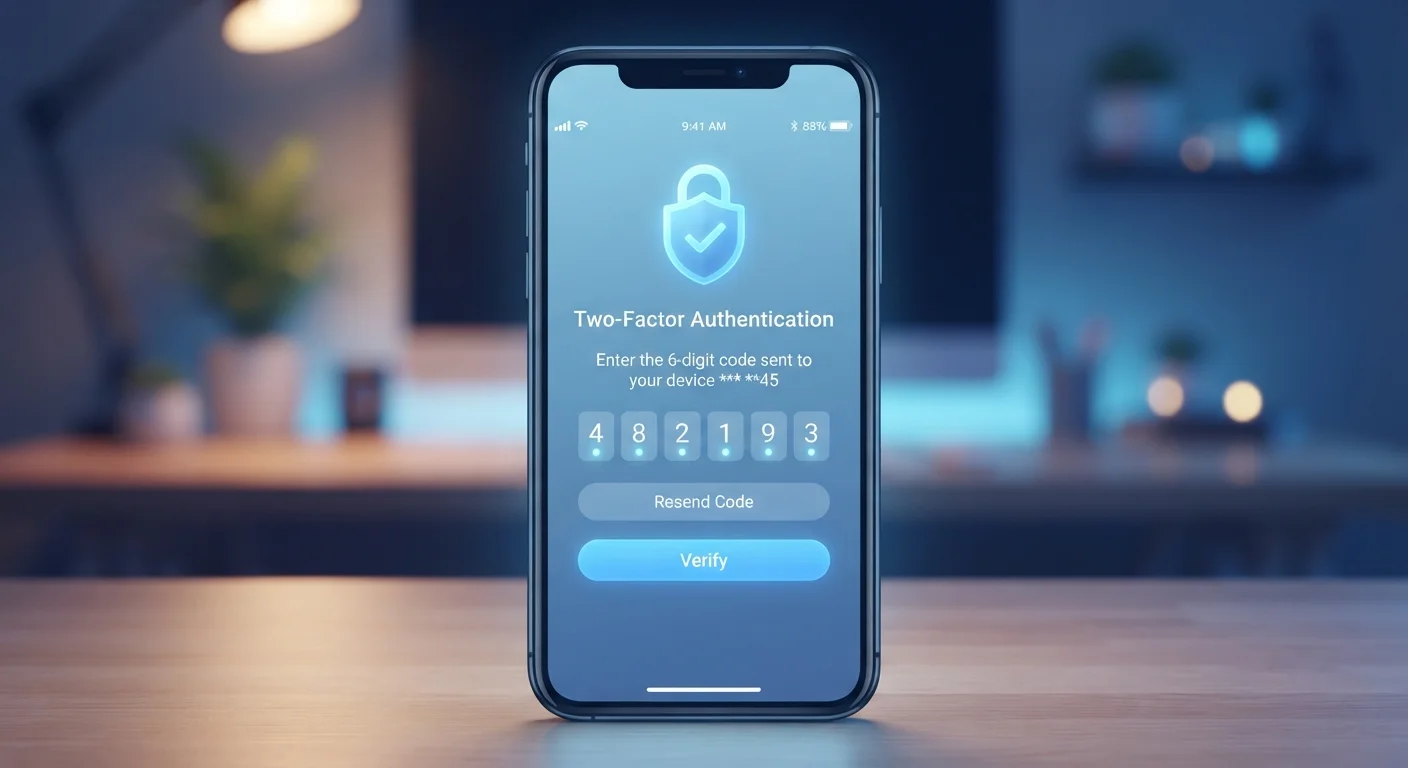
Enable two-factor authentication on every account that offers it.
2FA means that a stolen password alone isn't enough to access your account — the attacker still needs the second factor, which they typically don't have. This single step blocks a significant proportion of automated account takeover attempts.
Install software and app updates promptly — especially security patches.
Developers release updates when vulnerabilities are discovered. Waiting to apply them keeps your device exposed to known attack methods. Attackers often target users running outdated software precisely because the fix already exists but hasn't been applied.
Treat unexpected sign-in alerts as real warnings, not noise.
Platforms send these notifications specifically because an unfamiliar access event occurred. Ignoring them allows a potential unauthorized session to persist. Acting quickly — changing passwords and revoking sessions — can contain the damage before it escalates.
Audit and revoke third-party app access to your accounts regularly.
Every connected app is an additional surface through which your account data could be exposed — especially if that app itself is compromised or abandoned by its developer. Removing unused connections limits the potential paths an attacker could use.
Learn to recognize phishing attempts before clicking links or attachments.
Social engineering — tricking users into handing over credentials — remains a leading cause of account compromise. Technical defenses don't help if you voluntarily enter your password on a fake login page. Recognizing the warning signs puts you a step ahead.
Passwords: The Foundation Everything Else Rests On
A strong password is still your first line of defense. But strength isn't just about length — it's about uniqueness. When a service you use suffers a data breach, attackers often try those same credentials on email, banking, and social media accounts. One reused password becomes a skeleton key.
A dedicated password manager solves this without requiring you to memorize dozens of complex strings. For a clear look at how these compare to browser-saved passwords, our article on password manager vs. browser-saved passwords covers the practical trade-offs. For deeper guidance on building better credential habits, see good password hygiene.
80%+
Breaches involving compromised or weak credentials
Verizon's Data Breach Investigations Report has consistently found that credential-related issues underlie the majority of confirmed breaches across multiple annual editions.
99%
Of automated account attacks blocked by MFA
Microsoft's internal security research has reported that multi-factor authentication prevents approximately 99% of automated credential-stuffing attacks on accounts.
Two-Factor Authentication and Sign-In Alerts
Two-factor authentication — often called 2FA — adds a second verification step when you log in, typically a code sent to your phone or generated by an app. Even if someone obtains your password, they can't get in without that second factor. It's one of the most effective protections available to everyday users.
Equally important: pay attention to sign-in alerts. Most major platforms send a notification when your account is accessed from an unfamiliar device or location. These aren't spam — they're early warning signals. If you receive one you don't recognize, treat it as urgent. Change your password immediately and check whether any connected apps or sessions need to be revoked.
For a plain-language explanation of how 2FA works under the hood, our companion article explains two-factor authentication in detail.
Authentication App vs. SMS Code: Know the Difference
Both methods provide a second factor, but they're not equally secure. SMS codes can be intercepted through a technique called SIM swapping, where an attacker convinces a carrier to transfer your number. Authenticator apps generate codes locally on your device and aren't vulnerable to this. Where a service offers both options, an authenticator app is generally the stronger choice.
Updates, App Permissions, and Keeping Your Surface Small
Software updates are frequently dismissed as minor inconveniences. In reality, many contain patches for security vulnerabilities that are actively being exploited. Delaying an update doesn't eliminate the risk — it prolongs your exposure to it. Our article on how software updates work explains what's actually inside an update and why timing matters.
Beyond updates, it's worth periodically reviewing which apps and services have permission to access your accounts — especially through social login (signing into one service using your Google or Apple credentials). Revoking access to apps you no longer use reduces the number of places where your credentials could be exposed. Most platforms list connected apps in their security settings.
For a comprehensive overview covering all these dimensions and more, the complete guide to online safety for non-technical users is a useful next step.
Security on Shared or Public Devices
The habits above assume you're primarily using a personal device. On shared computers or public terminals, additional caution applies: always log out completely after a session, avoid saving passwords in the browser, and consider whether accessing sensitive accounts (banking, email) on that device is necessary at all. Traveling adds another layer of consideration — our guide to staying safe in unfamiliar cities includes digital precautions worth reviewing.