

Key Takeaways
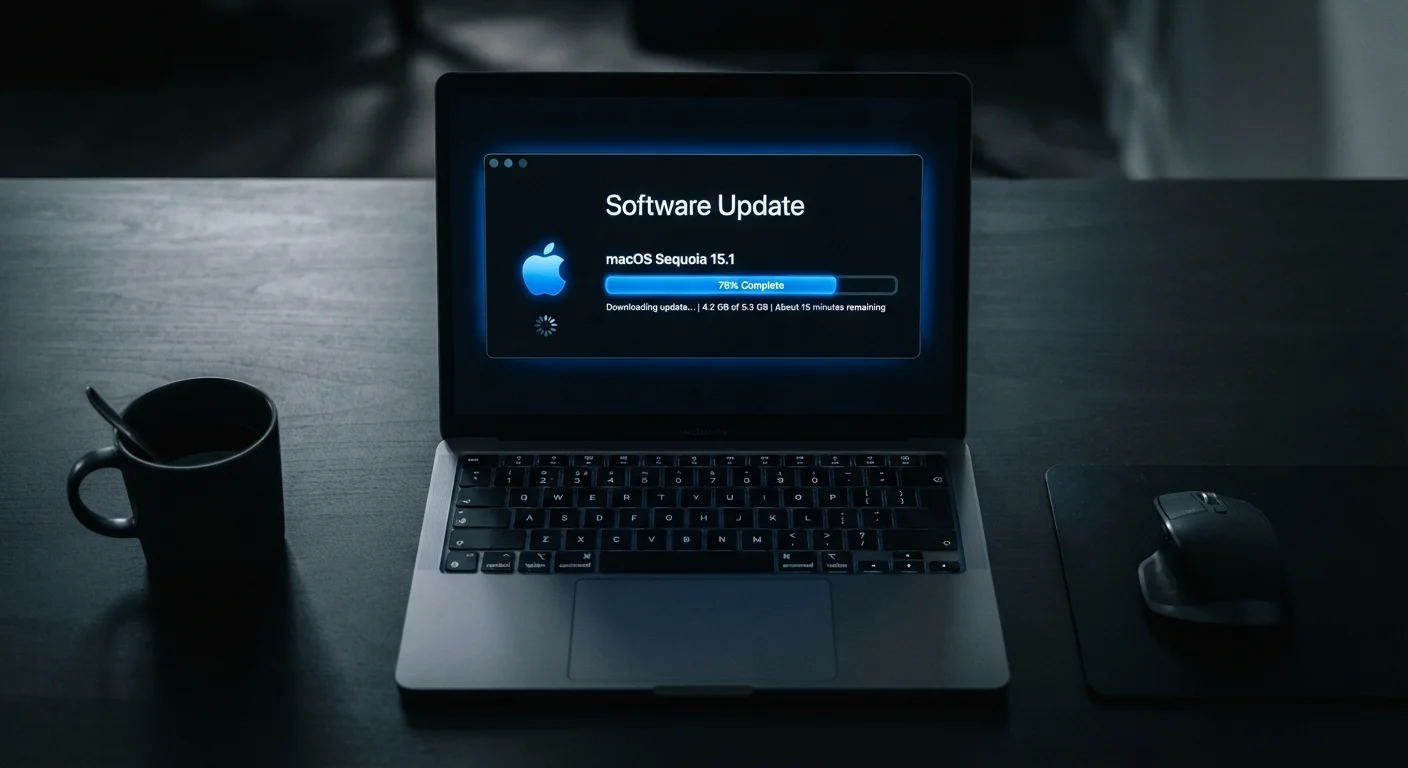
Software Update
A software update is a package of code changes that a developer distributes to replace or improve an existing version of an app, operating system, or device firmware. Updates can fix bugs, patch security vulnerabilities, improve performance, or add new features. Your device downloads and applies the update, replacing old code with the new version.
Updates are distinct from full reinstalls — they typically use differential patching, meaning only the changed portions of code are downloaded rather than the entire application.
What's Actually Inside a Software Update
When an update notification appears on your phone or computer, it rarely explains what's actually changing. Updates generally fall into a few distinct categories:
- Security patches — Code fixes that close specific vulnerabilities that attackers could exploit to access your data or take control of your device.
- Bug fixes — Corrections to unintended behavior, like apps crashing, features behaving erratically, or battery draining faster than expected.
- Performance improvements — Optimizations that make the software run faster or more efficiently, often without any visible change to the interface.
- New features — Added functionality, redesigned menus, or expanded capabilities. These tend to arrive with major version updates rather than routine patches.
Most updates that arrive frequently — especially between major releases — are primarily security and stability fixes. Feature additions are the minority, not the norm.
Why Security Patches Matter More Than Most People Realize
Security vulnerabilities are weaknesses in software code that can be exploited by malicious actors. When a researcher or developer discovers one, a race begins: the software maker works to fix it, while attackers may be independently finding and probing the same flaw.
Once a patch is publicly released, the vulnerability it addresses becomes widely known — which paradoxically increases short-term risk for anyone who hasn't yet updated. Attackers routinely scan for devices running older, unpatched software versions specifically because the weakness is now documented.
“Patching is one of the most effective — and most neglected — defenses available to everyday users. Most successful attacks target vulnerabilities that already have fixes available.”
— Cybersecurity and Infrastructure Security Agency (CISA), U.S. federal agency responsible for national cybersecurity guidance
This is why the gap between a patch being available and a patch being installed matters enormously. Devices that delay updates by days or weeks remain exposed during exactly the period when exploitation attempts tend to spike. For more on building a security-conscious routine, see habits that actually hold up.
What Can Go Wrong on Outdated Devices
Running outdated software isn't just an abstract risk — it has practical consequences that affect everyday users.
60%
Breaches linked to unpatched vulnerabilities
According to the Ponemon Institute, roughly 60% of data breach victims reported that the breach involved a known vulnerability for which a patch was available but not applied.
Days to weeks
Typical exploitation window after patch release
Security researchers have documented that exploit code targeting newly patched vulnerabilities often appears within days of a patch's public release, underscoring the urgency of timely updates.
Malware infections are more likely on unpatched systems, because many malicious programs are written specifically to exploit known vulnerabilities in older software versions. Data exposure is another concern — unpatched apps may handle sensitive information insecurely, making account details or payment data easier to intercept. Reduced compatibility is a subtler issue: older software eventually stops working with modern websites, services, and file formats, quietly degrading the user experience.
Devices that have passed their manufacturer's end-of-support date are in a particularly difficult position — no further patches will ever be issued, regardless of what vulnerabilities emerge. If your device is no longer receiving updates, that's a meaningful signal worth paying attention to. The guide on signals your device is struggling can help you assess whether it's time to consider a replacement.
Don't Forget Router and Firmware Updates
Many users update their phones and computers but overlook routers, smart TVs, and other connected devices. These also receive firmware updates that patch security vulnerabilities. Check your router's admin panel periodically, or enable automatic updates if your router supports it.
How to Build a Simple Update Habit
For most people, the most practical approach is to enable automatic updates for operating systems and browsers — the software categories with the highest security stakes. For other apps, a weekly manual check is a reasonable habit.
A few practical considerations:
- Back up before major upgrades. Routine patches carry minimal risk, but significant version upgrades are worth backing up for first.
- Update on a reliable connection. Large updates can consume significant data; completing them on Wi-Fi avoids unexpected cellular charges.
- Don't dismiss update prompts repeatedly. Every dismissal extends the window during which your device carries known vulnerabilities.
- Check less-obvious software too. Browsers, browser extensions, router firmware, and smart home devices also receive updates — these are often forgotten.
Update notifications are also a form of device communication worth understanding — similar to how devices surface other alerts. The article on how devices decide what to alert you to covers that broader picture.