

Key Takeaways
Our Verdict
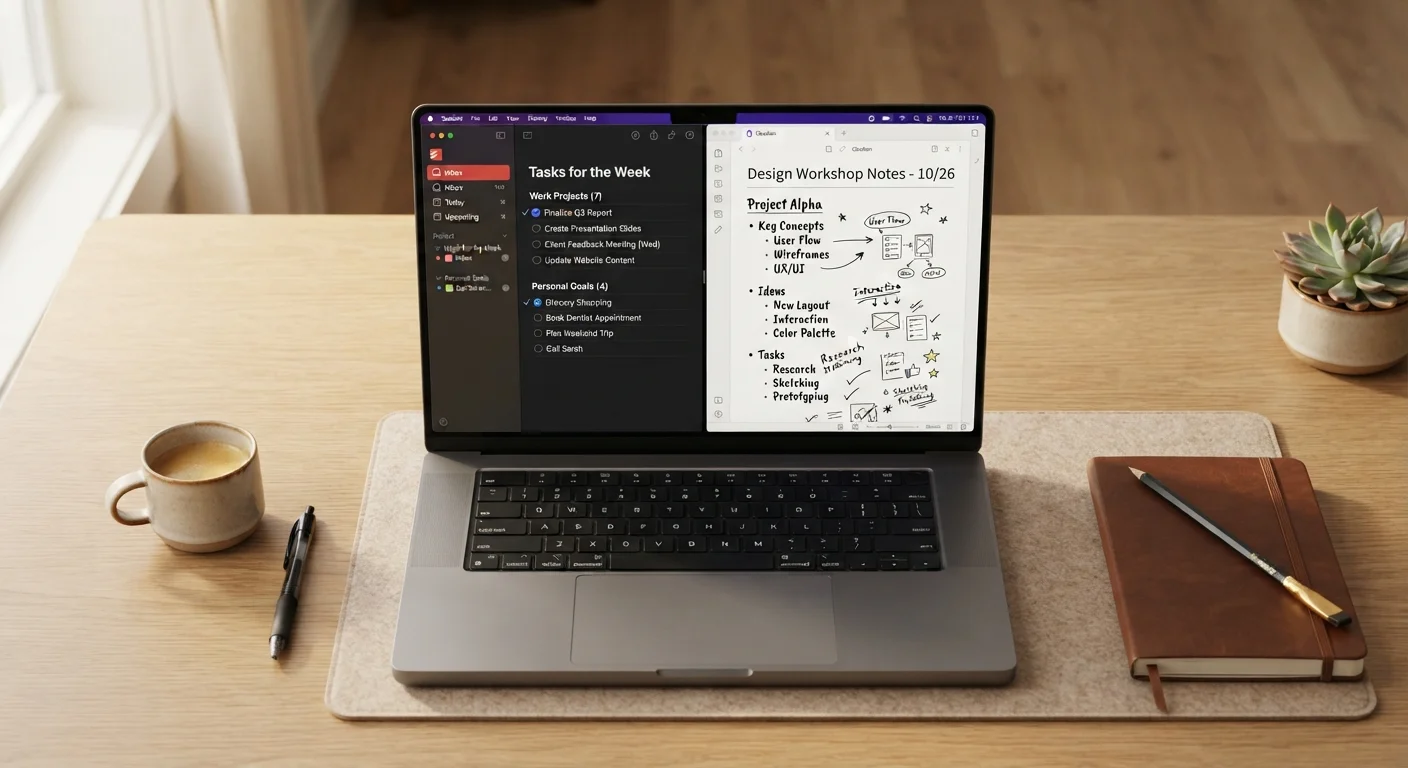
Task managers and note-taking apps solve genuinely different problems. Task managers work best when you need to track commitments, deadlines, and next steps. Note-taking apps shine when you need to think on the page, store reference material, or develop ideas over time. For most people, the answer isn't one or the other — it's using each deliberately for what it does well.
| Best for | Recommended |
|---|---|
| People who primarily manage deadlines and recurring responsibilities | Task Manager |
| People who process ideas through writing and need flexible reference storage | Note-Taking App |
| Those managing complex projects with both action items and contextual information | Both Tools Used Together |
| People overwhelmed by too many apps wanting the simplest possible system | Task Manager with basic notes fields |
What Each Tool Is Actually Designed to Do
The confusion between task managers and note-taking apps is understandable — both hold text, both live on your phone, and many apps now blur the boundary by adding features from the other category. But their core design philosophies are different enough that using the wrong one creates quiet, persistent friction.
A task manager is built around actions. Its fundamental unit is something you need to do, and it's designed to help you decide when, prioritize among competing demands, and track whether it happened. Features like due dates, reminders, priority flags, and completion checkboxes all serve that central purpose.
A note-taking app is built around information. Its fundamental unit is something you want to remember, understand, or develop. It's designed to let you write freely, connect ideas, and retrieve context later — not necessarily to prompt any specific action.
If you've ever tried using a note-taking app as your to-do list, or jammed task descriptions so full of background detail that they stopped being actionable, you've felt this mismatch firsthand. See also: taming digital overwhelm before adding any new tool to your setup.
| Task Manager | Note-Taking App | |
|---|---|---|
| Core purpose | Track actions and commitments | Store and develop information |
| Fundamental unit | A task or to-do item | A note or document |
| Key features | Due dates, reminders, checklists | Freeform text, tags, search |
| Best for | Deadline-driven work | Reference, research, thinking |
| Risk of misuse | Overloading tasks with context | Losing urgent actions in notes |
| Works well with | Calendar apps, project tools | Task managers, research tools |
How Your Thinking Style Points to the Right Tool
The most practical filter isn't features — it's how you naturally process information when things get busy.
If you think in lists and next steps, task managers match your grain. You probably feel relief when you can write down a commitment and assign it a date. You want your system to tell you what to do today, not make you hunt for it.
If you think by writing, note-taking apps tend to fit better. You may journal through decisions, draft half-formed ideas before you know what to do with them, or keep extensive reference notes that you return to. A rigid checklist feels stifling rather than grounding.
If you do both — and most people do, depending on context — the answer is likely two tools with clear, separate roles. The key is defining the boundary so nothing falls between them. Feeling like your productivity app isn't working is often a sign the tool-to-thinking-style match is off, not that you need yet another app.
Try a One-Week Audit Before Switching
Before downloading a new app, spend one week noticing where your current system breaks down. Are you losing track of commitments, or losing access to context? The answer points directly to which type of tool you actually need. Most friction comes from using the right tool for the wrong job — not from using the wrong tool entirely.
Where the Two Tools Overlap — and Where They Don't
Modern apps have made the boundary fuzzier than it used to be. Many task managers now let you add rich text notes to each task. Many note-taking apps now include checkboxes and reminder features. This overlap is useful, but it can also mislead you into thinking one app can fully replace the other.
The overlap works well for: attaching context to a specific task (a meeting agenda saved alongside the action item), or keeping a simple shopping list inside a notes app.
The overlap breaks down when: your note-taking app becomes your primary to-do list and you lose track of what's actually urgent, or when your task manager fills up with sprawling background information that buries the action.
Think of it like the distinction between a budget and a spending tracker — related tools that complement each other but serve different functions. Conflating them tends to make both work worse. The same logic applies to productivity tools: understanding how complementary tools differ helps you use each one correctly.
~41%
Workers distracted by disorganised digital tools
A Workfront/Adobe survey found roughly 4 in 10 knowledge workers cite poor tool organisation as a regular source of distraction at work.
2–3 apps
Average productivity apps used per person
Research from productivity consultants suggests most professionals actively use two to three separate tools for task and information management simultaneously.
Practical Rules for Deciding What Goes Where
If you decide to use both tools, the hardest part isn't picking them — it's maintaining a clear division so you're not duplicating effort or second-guessing where things live.
A simple rule that works for many people: anything with a deadline or a clear next action goes in the task manager; anything that exists to inform, explore, or remember goes in the notes app.
- Task manager: "Schedule dentist appointment," "Submit project draft by Friday," "Call back contractor"
- Notes app: "Ideas for kitchen renovation," "Summary of what the contractor said," "Questions to ask the dentist"
Notice how the notes feed into the tasks — context lives in the notes app and actions live in the task manager, connected by reference rather than crammed into the same place.
If you're still figuring out what kind of system suits your habits overall, the same principle that applies to budgeting tools holds here: the best system is the one you'll actually maintain, not the most feature-rich one.
And if you're evaluating whether to use a native app or a browser-based version of either tool, this breakdown of native vs. browser-based tools can help you decide what works for your devices.