

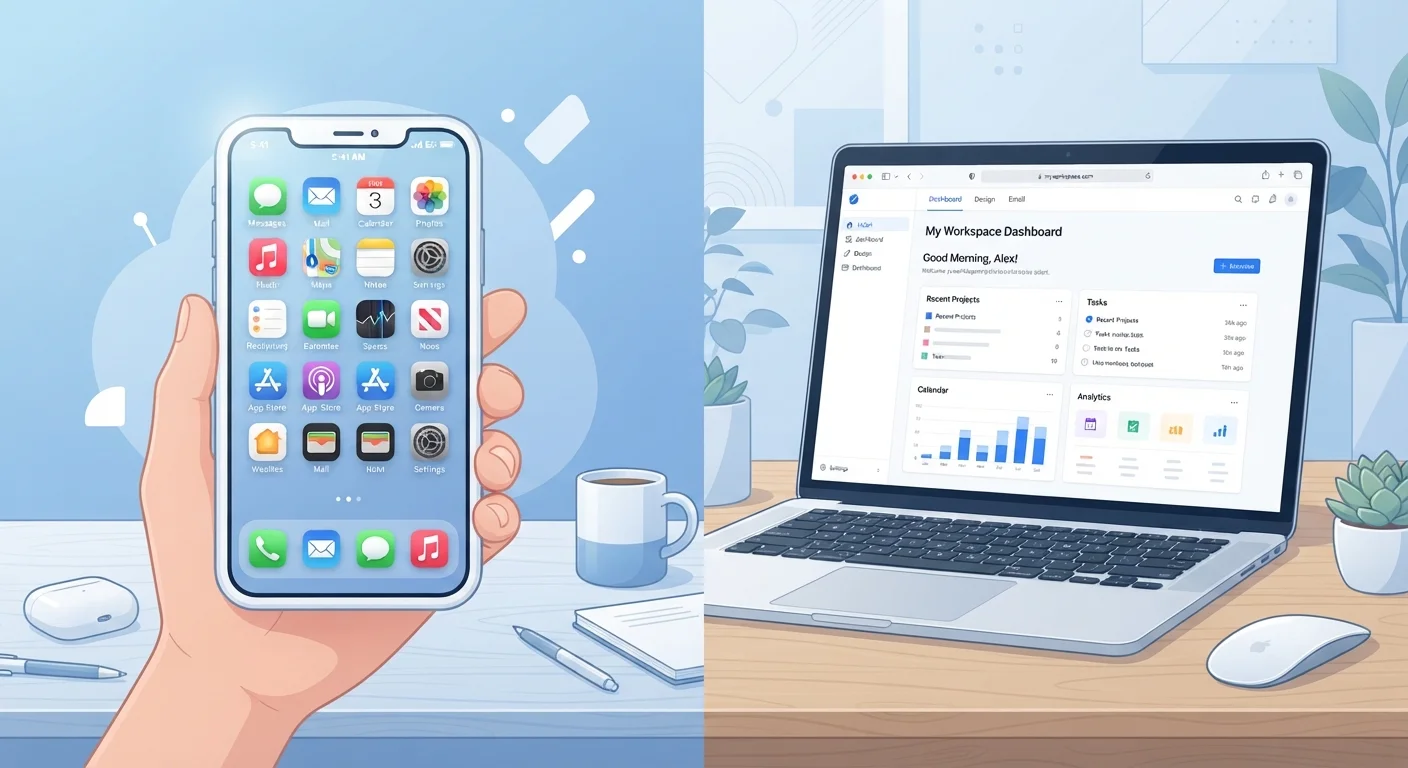
Key Takeaways
Option A
Native Apps
The installed, device-integrated powerhouse.
Best for: Tasks that benefit from offline access, hardware features, or consistent high performance on a specific device.
Option B
Browser-Based Tools
The flexible, device-agnostic alternative.
Best for: Collaboration, quick access across multiple devices, and workflows where installation overhead isn't worth it.
If you need offline access or frequent travel without reliable internet
Native Apps
Installed apps store data locally and function without an internet connection, making them dependable when connectivity is spotty or absent. For travel planning, see how this plays into offline vs. roaming tradeoffs.
If you switch between devices frequently or share work with others in real time
Browser-Based Tools
Browser tools sync automatically across any device with a browser, and most support simultaneous editing by multiple users without version conflicts.
If you do resource-heavy work like video editing, gaming, or audio production
Native Apps
These tasks demand direct access to your device's processor and memory, which browser-based tools cannot match in the same way native software can.
If you want minimal software installed and prefer a lightweight setup
Browser-Based Tools
Browser tools leave no installation footprint and can be accessed and abandoned freely — useful for occasional tasks you don't want cluttering your device.
If security and data control are top priorities for sensitive work
Native Apps
Well-designed native apps can store and process data entirely on-device, reducing exposure to third-party servers. That said, always verify each app's data-handling practices independently.
What Actually Separates a Native App from a Browser Tool
A native app is software you install directly onto a device — whether a phone, tablet, or computer. It communicates with your operating system and hardware at a deeper level than a website can. That's why apps can use your camera, send push notifications, or work without Wi-Fi.
A browser-based tool runs entirely inside a web browser like Chrome, Firefox, or Safari. You visit a URL, and the tool loads. Nothing is installed. Your data typically lives on the provider's servers rather than your device, and updates happen automatically without any action on your part.
The distinction matters because it affects what the software can do, how fast it runs, and what happens when your internet connection drops. Neither format is inherently better — they're optimized for different jobs. If you've ever wondered why some tools offer both an app and a web version, it's because each format appeals to a different kind of usage pattern.
| Criterion | Native Apps | Browser-Based Tools |
|---|---|---|
| Installation required | Yes — downloaded and installed | No — open in any browser |
| Offline access | Generally available | Limited or unavailable |
| Cross-device access | Device-specific by default | Any device with a browser |
| Real-time collaboration | Often limited or requires sync | Built-in for most tools |
| Hardware integration | Deep — camera, GPS, sensors | Partial — improving over time |
| Performance for heavy tasks | High — direct device access | Moderate — improving |
| Updates | Manual or auto download | Automatic, server-side |
| Data storage location | On-device (primarily) | Remote servers (primarily) |
| Storage footprint | Uses local device storage | Minimal local footprint |
Where Native Apps Have a Clear Edge
Native apps shine in three key areas: offline access, hardware integration, and raw performance.
When internet access is unreliable — on a plane, in a basement office, or while traveling — native apps continue working because they keep data on your device. Browser tools typically stop functioning meaningfully without a live connection, though some modern web apps (built with a technology called service workers) can partially bridge this gap.
Hardware access is another strong suit. Camera apps, fitness trackers, and navigation tools need direct access to sensors, GPS chips, and microphones. Browsers have gained some hardware access over time, but native apps still have broader, more reliable integration with device components.
For resource-intensive tasks — video editing, 3D design, audio production — native software can utilize your full processor and graphics card. Browser-based versions of similar tools have improved, but they still generally trail behind in speed and capability for demanding workloads.
If you're evaluating your broader app ecosystem, it's also worth reading why productivity apps sometimes stop working for you — many of those patterns apply to native tools specifically.
~90%
Mobile time spent in native apps vs. browsers
Research from analytics firms consistently finds that the large majority of smartphone usage time occurs inside installed apps rather than mobile browsers.
60%+
Workers using browser-based tools for collaboration
Surveys of knowledge workers in the US regularly report that browser-based productivity and collaboration platforms have become the primary tool for team-based work.
Where Browser Tools Win
Browser-based tools have one defining advantage: they work everywhere, instantly. Open a laptop, a library computer, or a colleague's tablet — if there's a browser, you're in. No installation, no licensing tied to a single machine, no waiting for updates.
Collaboration is another area where browser tools consistently outperform installed software. Multiple people editing a shared document in real time, with changes visible to everyone simultaneously, is something browser-based apps handle elegantly. Native apps often require syncing files or sharing versions, which introduces friction.
Browser tools also tend to reduce software bloat. Rather than accumulating dozens of installed programs — each consuming storage and running background processes — a browser-based workflow keeps your device leaner. This matters especially on older hardware with limited storage.
There's a security nuance worth noting: browser tools do transfer your data to external servers, which is a legitimate consideration for sensitive information. But reputable services use encryption in transit and at rest. For comparison, how browsers handle saved passwords illustrates how trust and convenience intersect in browser-based security decisions.
For anyone managing multiple tools and subscriptions, auditing what you're actually paying for can help cut through the noise.
Progressive Web Apps: A Middle Ground
Some browser-based tools can be installed as Progressive Web Apps (PWAs), which behave more like native apps — they appear on your home screen, can work offline in limited ways, and send notifications. If a browser tool you rely on offers a PWA option, it's worth exploring. However, PWAs still generally have less hardware access than fully native software, so they don't eliminate the distinction entirely.
Practical Signals for Choosing the Right Format
Rather than picking a side, match the format to the task. Here are concrete signals to guide that decision:
- Need offline access? Default to native.
- Collaborating with others in real time? Browser tools usually handle this better.
- Using specialized hardware like a stylus, camera, or GPS? Native apps integrate more reliably.
- Using many different devices? Browser tools eliminate compatibility headaches.
- Task involves sensitive personal or financial data? Research both options' data-handling practices before committing.
It's also worth checking whether a tool you already use offers both formats — many do, and you may not need to choose at all. For budgeting tools specifically, this format question maps neatly to the broader decision explored in choosing a budgeting method that sticks.
Finally, consider your device's age and capability. Older phones and computers often struggle with resource-heavy native apps, whereas browser tools — because the processing happens partly on remote servers — can actually perform more smoothly on aging hardware for certain tasks.
If you want to explore what you might already have available before adding anything new, getting more from the apps already on your phone is a useful starting point.